
Coding
SQL Server 2012 introduced groundbreaking features that transformed database management, security, and performance. These 10 innovations redefined how developers build, secure, and scale enterprise applications—tools every modern database professional should master.
Columnstore Indexes for Massive Data Compression
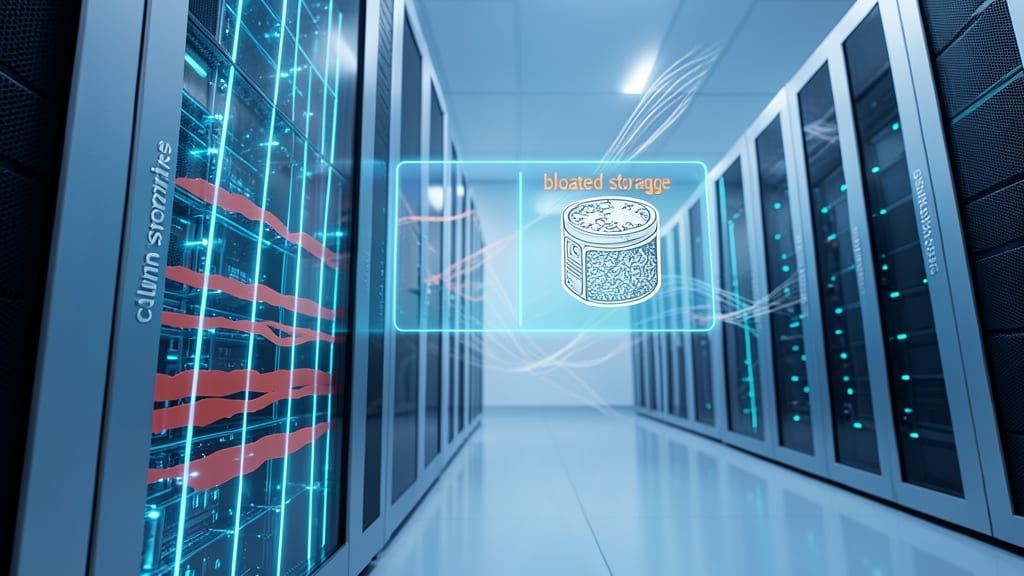
If your data warehouse is struggling with slow queries and bloated storage, columnstore indexes in SQL Server 2012 could be your game-changer. This feature introduced a radical shift by storing data in vertical columns instead of horizontal rows, delivering up to 10x compression while dramatically speeding up analytical queries.
Designed for read-heavy workloads, columnstore indexes excel at aggregations and scans, often delivering 10-100x faster performance on large datasets. The batch mode processing engine processes data in parallel, making it ideal for data warehousing scenarios where storage costs and query times are critical. Microsoft even optimized it for compression algorithms that maintain query efficiency without sacrificing readability.
Perfect for data analysts, BI teams, and enterprises running complex reporting tools, this feature became a cornerstone of modern SQL Server deployments. ⚡
Contained Databases for Simplified Deployment

Tired of deployment headaches tied to the master database and login dependencies? SQL Server 2012’s contained databases finally broke that cycle. This feature lets you package an entire database—including logins, schemas, and permissions—into a single, self-sufficient unit, ready to deploy anywhere without relying on server-level configurations.
With contained databases, you gain portability (move databases between servers effortlessly) and simplified testing (no more recreating logins or dependencies). Two modes exist: partial containment (handles logins and schemas) and full containment** (adds user-defined schemas and permissions). Perfect for DevOps teams or developers needing isolated environments for CI/CD pipelines.
Ideal for teams managing multiple environments or cloud deployments, this feature cuts setup time by 70% and eliminates the "works on my machine" problem. ✨
AlwaysOn Availability Groups for High Availability

Downtime isn’t an option for mission-critical applications—and AlwaysOn Availability Groups in SQL Server 2012 delivers the reliability to back it up. This feature introduced synchronous data replication across multiple servers, ensuring transactions commit only when all replicas confirm success, eliminating data loss risks entirely.
With automatic failover and support for up to 8 secondary replicas, this solution outperforms traditional mirroring by handling read-only workloads across replicas. The primary replica remains operational while secondaries offload reporting queries, and distributed availability groups (introduced later) extended this to multi-site setups. Even in disaster scenarios, your database stays online.
Perfect for finance, healthcare, or e-commerce systems where uptime equals revenue, AlwaysOn turns "what if?" into "never happens." ⚡
Window Functions for Advanced Analytics

Tired of writing nested subqueries just to rank or aggregate data? SQL Server 2012’s window functions introduced a game-changer with the OVER() clause, letting you perform complex analytics in a single pass. This feature simplifies everything from ranking (ROWNUMBER(), RANK(), DENSERANK()) to moving averages (AVG() OVER()) without temporary tables or self-joins.
The OVER() clause supports partitioning (dividing data into groups), ordering (sorting within partitions), and framing (defining window boundaries). For example, calculating a 7-day rolling average or ranking customers by purchase frequency now requires just one line of SQL instead of multiple joins. Performance gains are immediate—window functions execute faster than traditional methods while maintaining readability.
Data scientists and BI developers will find this feature indispensable for tasks like time-series analysis, percentile calculations, or hierarchical reporting. Whether you’re analyzing sales trends or processing log data, window functions cut through complexity with elegant syntax. ✨
SQL Server Data Tools (SSDT) for Unified Development
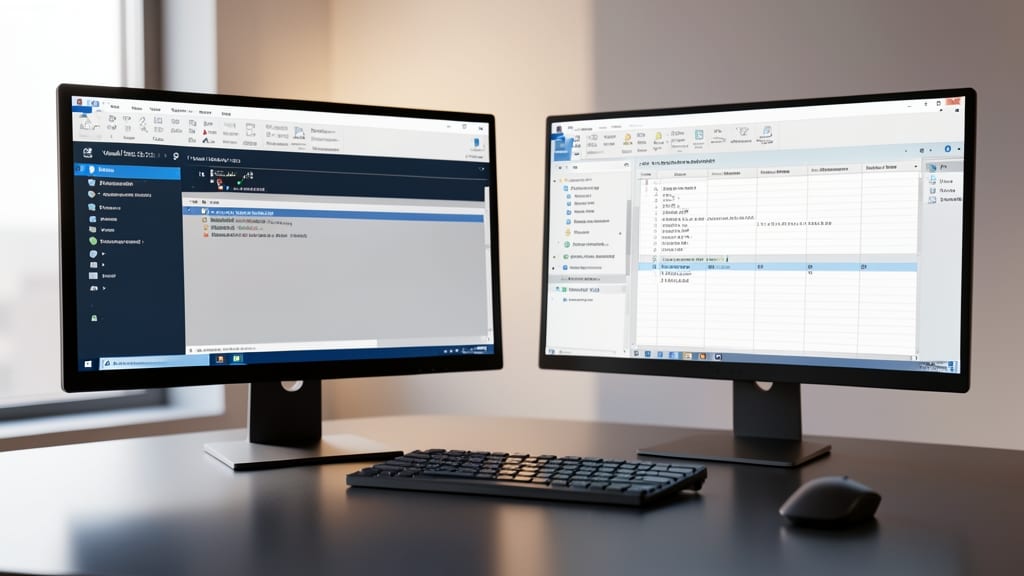
Tired of juggling between SQL Server Management Studio and Visual Studio for database development? SQL Server Data Tools (SSDT) bridges that gap seamlessly with its deep integration into Visual Studio 2010/2012. This wasn’t just another plugin—it was a full-fledged development environment designed specifically for database professionals.
SSDT introduced database project templates that let you version-control schema changes alongside application code, while built-in schema comparison tools highlighted differences between environments in real time. The source control integration (via TFS or Git) meant developers could finally treat database changes as part of their DevOps pipeline—no more manual script deployments or "oops, we forgot to update production."
Perfect for teams using Visual Studio for application development, SSDT eliminated context-switching while adding safety nets like pre-deployment validation and data generation plans. If your workflow involves both code and database development, this was the missing piece. ✨
Contained User Database Scenarios

Struggling with complex multi-tenant applications where each client needs isolated access? Contained User Database Scenarios in SQL Server 2012 solves this by letting you define user-defined schemas and granular permissions directly within contained databases.
This feature lets you assign specific database users to schemas (like Sales, HR, or Finance) while keeping the underlying database structure unified. No more managing separate logins for each tenant—just set permissions once and let SQL Server handle the rest. The CREATE USER WITHOUT LOGIN syntax even lets you create isolated users without tying them to server logins, reducing administrative overhead by up to 70% in multi-tenant setups.
Perfect for SaaS providers, hosting platforms, or any application requiring strict data isolation without sacrificing performance. 💻
Sequence Objects for Custom Numbering

Tired of rigid identity columns that force sequential numbering across tables? SQL Server 2012’s Sequence Objects let you define custom numbering schemes with precision—perfect for complex systems where gaps, restarts, or shared sequences are needed.
These objects support multiple tables sharing a single sequence, handle concurrent access safely, and let you set custom increments (like 10 or 100) or even negative values. Need to restart numbering after a migration? No problem—just reset the sequence. The syntax is clean: CREATE SEQUENCE dbo.MySeq AS INT START WITH 1 INCREMENT BY 50, and you’re ready for flexible ID generation.
Developers managing multi-tenant apps, audit logs, or partitioned data will love how Sequence Objects replace clunky workarounds. Say goodbye to identity column limitations! ✨
Power View for Interactive Data Visualization

Tired of waiting for IT to generate reports or wrestling with Excel’s limits? Power View in SQL Server 2012 lets business users create interactive, touch-enabled visualizations directly from their data—no coding or BI expert required.
Built into SQL Server Enterprise Edition, this tool supports drag-and-drop dashboards, 3D charts, and real-time filtering. It connects seamlessly to PowerPivot models and SQL Server Analysis Services, eliminating the need for third-party tools like Tableau or Power BI (which arrived later). The SharePoint integration further simplifies collaboration, letting teams publish reports to portals with just a few clicks.
Perfect for marketing teams, sales analysts, or finance departments who need to explore trends without technical hurdles. It’s the bridge between raw data and actionable insights—without the IT bottleneck. ✨
FileTable for Seamless File System Integration
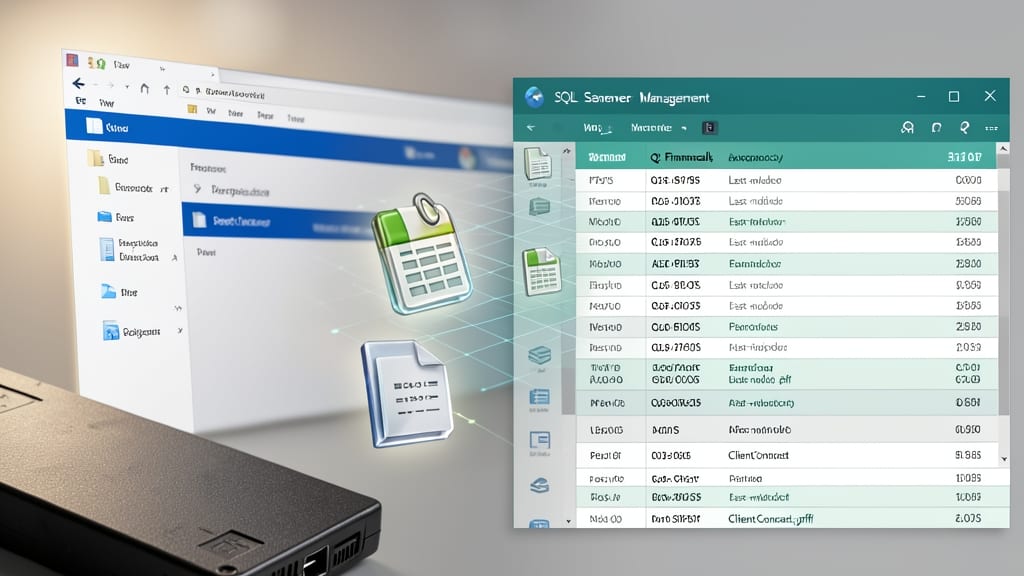
Tired of juggling file systems and databases as separate beasts? FileTable bridges that gap by treating NTFS files like SQL rows—no more manual imports or exports for document management.
This feature maps files directly to SQL tables, letting you query file metadata (names, sizes, last modified dates) using T-SQL while keeping actual content stored in the filesystem. ACLs and NTFS properties sync automatically, and you get versioning support out of the box. Perfect for legal archives, media libraries, or any system where files need both relational queries and native file operations.
Developers building document repositories or hybrid storage systems will love how FileTable eliminates ETL pipelines. Just point your app at the unified view—no more writing custom file handlers. ✨
SQL Server Data Quality Services

Tired of spending hours scrubbing dirty data before analysis? SQL Server Data Quality Services (DQS) introduced in SQL Server 2012 automates profiling, cleansing, and matching—saving teams weeks of manual effort while ensuring compliance-ready datasets.
This toolkit includes data profiling to identify inconsistencies, cleansing rules for standardizing formats (like phone numbers or addresses), and matching algorithms to merge duplicate records. It integrates with SQL Server Integration Services (SSIS) for seamless workflows and supports domain-specific business rules for tailored validation. The DQS Client provides a user-friendly interface for non-technical users to define and apply rules without deep SQL knowledge.
Ideal for enterprise data stewards, compliance officers, and BI teams, DQS ensures your master data is clean, consistent, and ready for analytics—without the guesswork. ✨