
Software
Mastering Microsoft Access is a game-changer for data management, but finding quality training shouldn’t cost a dime. These 10 free online courses—ranging from beginner tutorials to certification prep—give you hands-on skills without emptying your wallet.
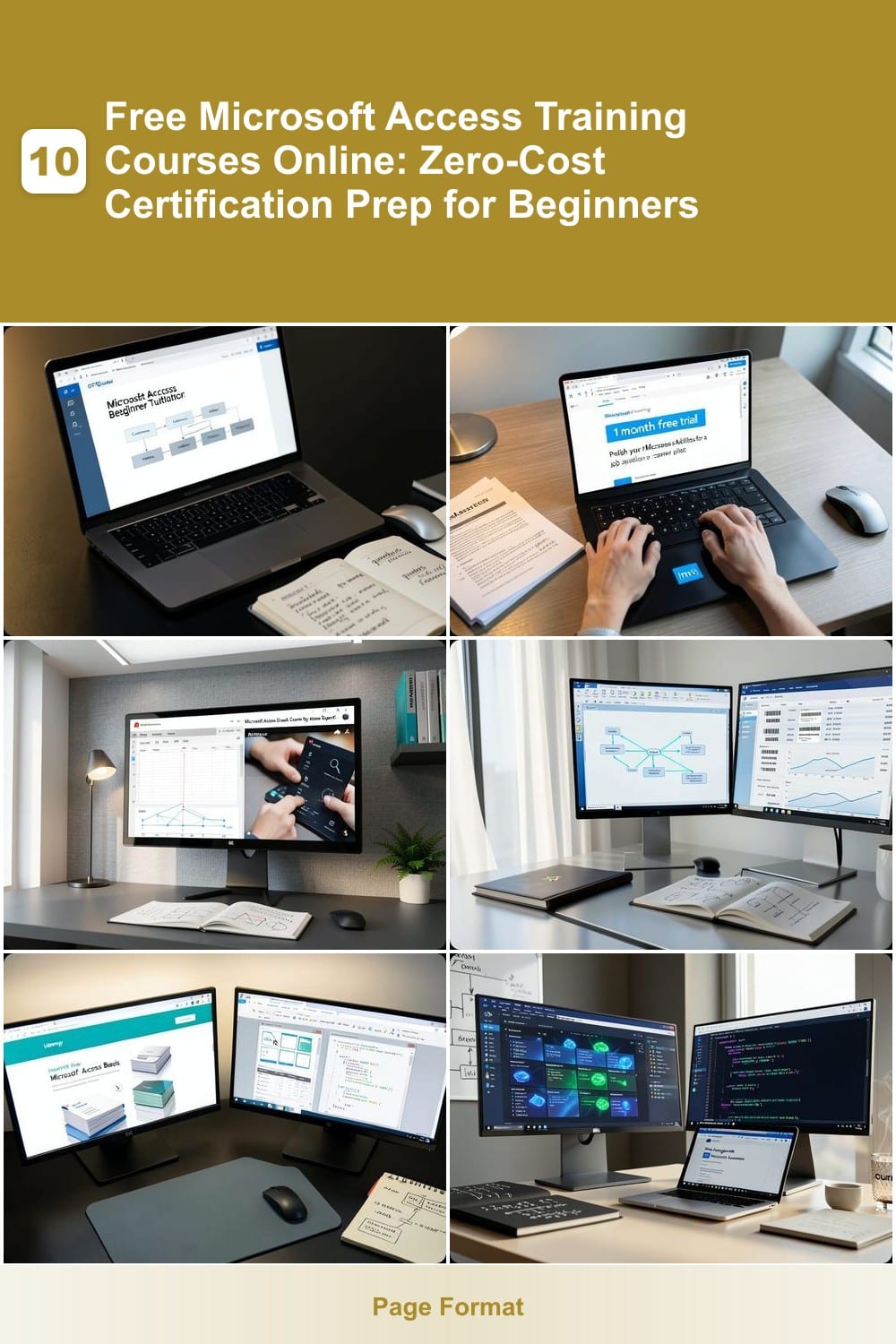
Microsoft Access Beginner Tutorial by GCFGlobal
If you’ve never opened a database before and feel overwhelmed by terms like "tables," "queries," and "relationships," the GCFGlobal Microsoft Access Beginner Tutorial is your perfect starting point. This course treats you like a complete novice—no prior tech experience required—while still teaching you the fundamentals that power real-world databases.
You’ll begin with the basics of relational databases, learning how data is organized into tables and linked together logically. The course then guides you through creating your first simple database, designing forms, and writing basic queries—all without jargon. Each lesson includes interactive exercises so you can practice immediately, and the step-by-step approach ensures you grasp concepts before moving forward.
Ideal for absolute beginners, this tutorial is perfect for students, small business owners, or anyone curious about organizing data efficiently. With zero cost and a patient, structured approach, it’s the easiest way to build confidence before tackling more advanced features. 💡
LinkedIn Learning Microsoft Access Essential Training
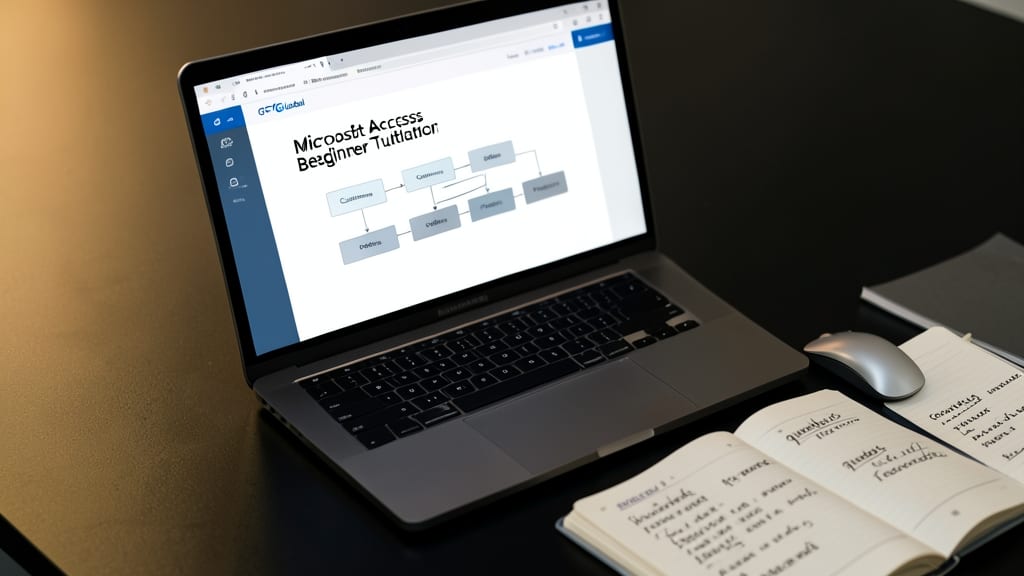
Need to polish your Microsoft Access skills for a job application or career pivot? LinkedIn Learning’s Microsoft Access Essential Training is your secret weapon—especially if you’re taking advantage of their free 1-month trial. Unlike generic tutorials, this course skips the basics (covered in earlier items) and dives straight into forms, reports, and macros, the skills that impress hiring managers and streamline real-world workflows.
The course breaks down complex topics like query optimization, custom form design, and automating repetitive tasks with macros into digestible, project-based lessons. Each module includes downloadable exercise files so you can practice alongside the instructor—critical for job seekers who need to showcase hands-on experience. With 3.5 hours of focused content, it’s designed to fit into a busy schedule while delivering tangible results.
Perfect for job seekers, freelancers, or professionals who need to quickly master Access’s most valuable features. Whether you’re prepping for an interview or optimizing a client database, this course delivers the polished skills that set you apart—all without the cost of a premium subscription. 💪
YouTube Microsoft Access Crash Course by Access Expert

If you learn best by watching rather than reading, the YouTube Microsoft Access Crash Course by Access Expert is your perfect match. This fast-paced, 2-hour video tutorial condenses essential skills—like creating queries, setting up relationships, and automating tasks—into bite-sized, visual lessons with real-time demonstrations.
The course skips fluff and dives straight into practical examples, such as building a sample inventory database from scratch. You’ll master filtering data, designing forms, and writing simple macros—all without overwhelming jargon. The instructor’s clear, step-by-step approach makes complex topics feel intuitive, even for beginners.
This is the ideal choice for visual learners or anyone who wants to grasp Access fundamentals quickly. Perfect for students, small business owners, or professionals needing a refresher—no prior experience required. ✨
Microsoft Virtual Academy Access 2016 Training
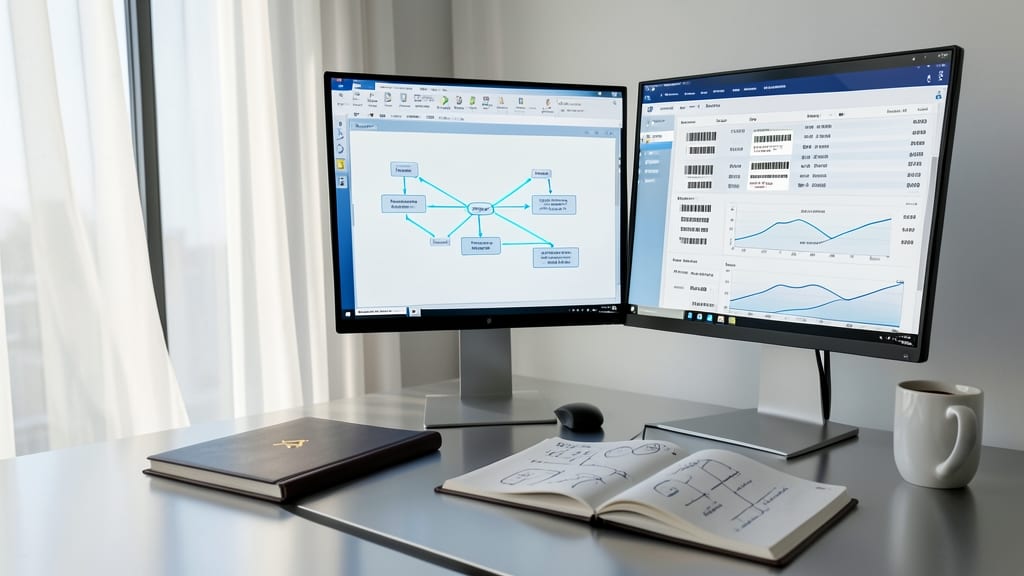
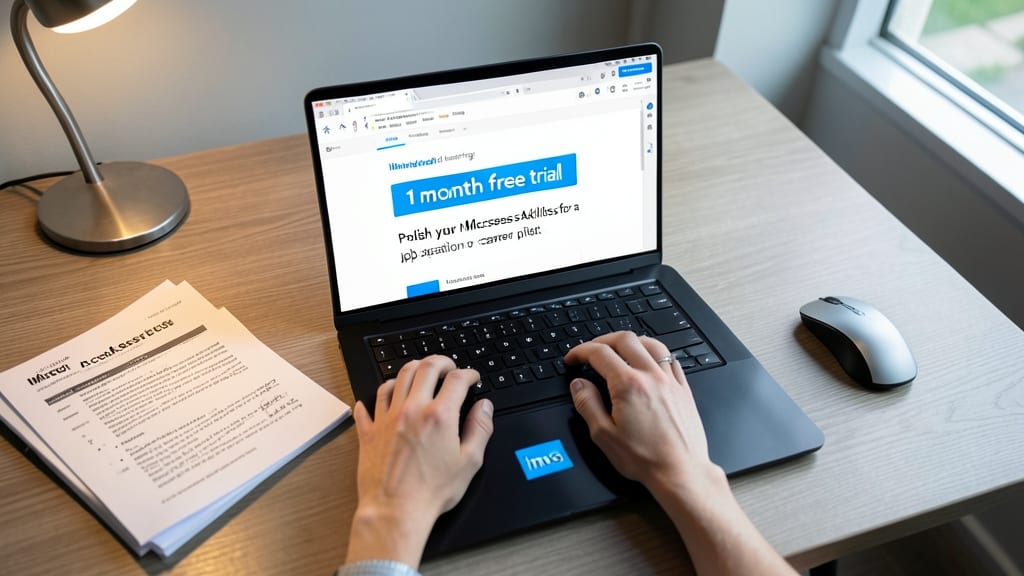
If you've mastered the basics of Microsoft Access but need to apply your skills to real-world business challenges, the Microsoft Virtual Academy (MVA) Access 2016 Training is your next step. Unlike generic tutorials, this course dives straight into practical scenarios like tracking inventory, managing customer databases, or automating workflows—exactly what small business owners or freelancers need to streamline operations.
The training includes interactive labs where you can practice creating relational databases, designing custom forms, and generating professional reports—all while working with a sample business dataset. Microsoft’s official backing ensures the content aligns with Access 2016’s core features, including macros and pivot tables, without overwhelming you with outdated or overly technical jargon. The self-paced format lets you pause, repeat, or skip sections as needed.
This course shines brightest for small business owners, entrepreneurs, or anyone managing data for a team. Whether you're tracking sales, organizing client records, or automating repetitive tasks, the hands-on approach ensures you leave with a usable template—not just theory. ✨
Udemy Microsoft Access Basics Free Course
If you’ve ever struggled to apply what you learn in Microsoft Access courses, Udemy’s free Microsoft Access Basics course solves that with downloadable project files—so you can practice alongside lessons. This isn’t just theory; it’s a hands-on journey through forms, reports, and even basic VBA, with step-by-step guidance to build real skills.
The course breaks down complex topics like query design and data validation into digestible chunks, complete with exercises that mirror real-world tasks. Unlike generic tutorials, Udemy’s structured approach ensures you’re not just watching—you’re creating and troubleshooting as you go. The free version unlocks enough content to master the fundamentals without hidden paywalls.
Perfect for small business owners, students, or career switchers who need tangible results fast. Dive in, follow along with the project files, and watch your confidence grow—no prior experience required. ✨
Coursera Microsoft Access for Data Analysis
If you’re ready to turn raw data into actionable insights, this Coursera course is your bridge between Microsoft Access and professional data analysis. Unlike generic tutorials, it focuses on pivot tables, SQL queries, and interactive dashboards—skills that directly translate to real-world business intelligence.
The course covers advanced filtering techniques, parameter queries, and visual report automation using Access’s built-in tools. You’ll even learn how to export data to Excel or Power BI for deeper analysis, making it far more practical than basic database courses. The hands-on labs let you practice with sample datasets, ensuring you’re not just memorizing steps but solving problems.
Perfect for data analysts, students, or small business owners who need to analyze trends without coding from scratch. Whether you’re tracking sales or managing inventory, this course gives you the tools to turn data into decisions—all for free when auditing. ✨
Microsoft Access Certification Prep by AccessTutorials
Ready to tackle Microsoft’s MO-200/201 certification exams without breaking the bank? AccessTutorials delivers a laser-focused, exam-mimicking prep course that zeroes in on what you actually need to know—no fluff, just targeted practice.
The course packs 100+ practice questions modeled after real exam scenarios, covering everything from database relationships to advanced queries and report automation. You’ll also get free full-length practice tests to simulate the certification environment, complete with timed conditions. The structured lessons break down complex topics like macros and VBA basics into digestible, actionable steps.
This is your go-to for self-study certification prep—ideal for professionals or students who want to prove their Access skills without enrolling in pricey bootcamps. 💻
Access World Summit Free Webinars
Want to learn cutting-edge Microsoft Access techniques—like automation workflows and cloud integration—without spending a dime? The Access World Summit delivers exactly that with its collection of free live and recorded webinars from industry experts.
These sessions dive deep into real-world applications, such as optimizing databases for performance, leveraging Power Automate for workflow automation, and integrating Access with Azure cloud services. You’ll also find niche topics like VBA scripting for advanced macros and data migration strategies—all presented by professionals who’ve worked with enterprise-level systems.
Perfect for intermediate to advanced users, this resource is ideal if you’re looking to future-proof your skills or troubleshoot complex database challenges. No subscription fees, just high-value insights at your fingertips. ✨
Microsoft Docs Access Tutorials and Guides
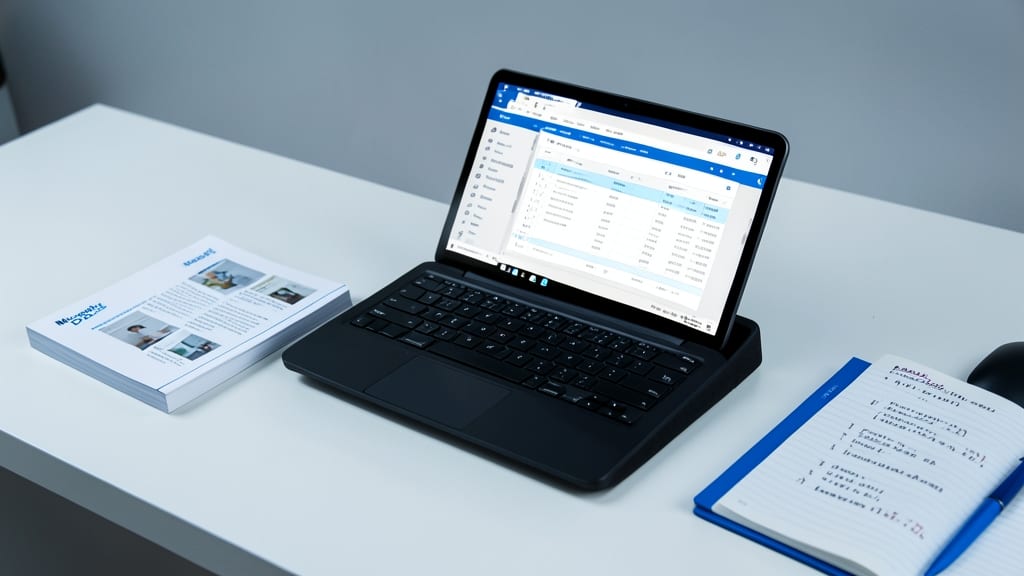
Stuck on a specific Microsoft Access feature or need a reliable reference? The Microsoft Docs Access Tutorials and Guides are your go-to resource—direct from the source, with no hidden costs. Unlike courses that teach broad concepts, these guides offer hyper-specific, step-by-step instructions for everything from VBA scripting to complex queries, all verified for accuracy.
You’ll find version-specific documentation (including Access 2019/365) with screenshots, code snippets, and troubleshooting tips—no fluff, just actionable fixes. The search function lets you jump straight to solutions for errors like "#Name?" or "Recordset not updating", while the "What’s new" section keeps you aligned with Microsoft’s latest updates. Best of all, it’s always free and ad-free.
This is the ultimate resource for self-taught learners or professionals who need quick answers. Bookmark it for when you’re debugging, optimizing, or just curious about a lesser-known feature. ✨
Reddit r/MicrosoftAccess Free Resource Threads

Stuck on a specific Microsoft Access challenge that no course covers? The r/MicrosoftAccess subreddit’s free resource threads are your hidden treasure trove. Unlike structured courses, these threads curate real-world solutions—from custom VBA scripts to ready-to-use templates—shared by pros who’ve solved the same problems you’re facing.
You’ll find niche tools like data validation hacks, automation shortcuts, and troubleshooting guides for errors not documented elsewhere. The community also shares free template libraries (e.g., inventory trackers, CRM systems) that save hours of setup. Best of all, it’s zero-cost and updated in real time by active users.
This is the go-to spot for intermediate users or small business owners who need practical, unfiltered solutions beyond textbook examples. 💡