
Software
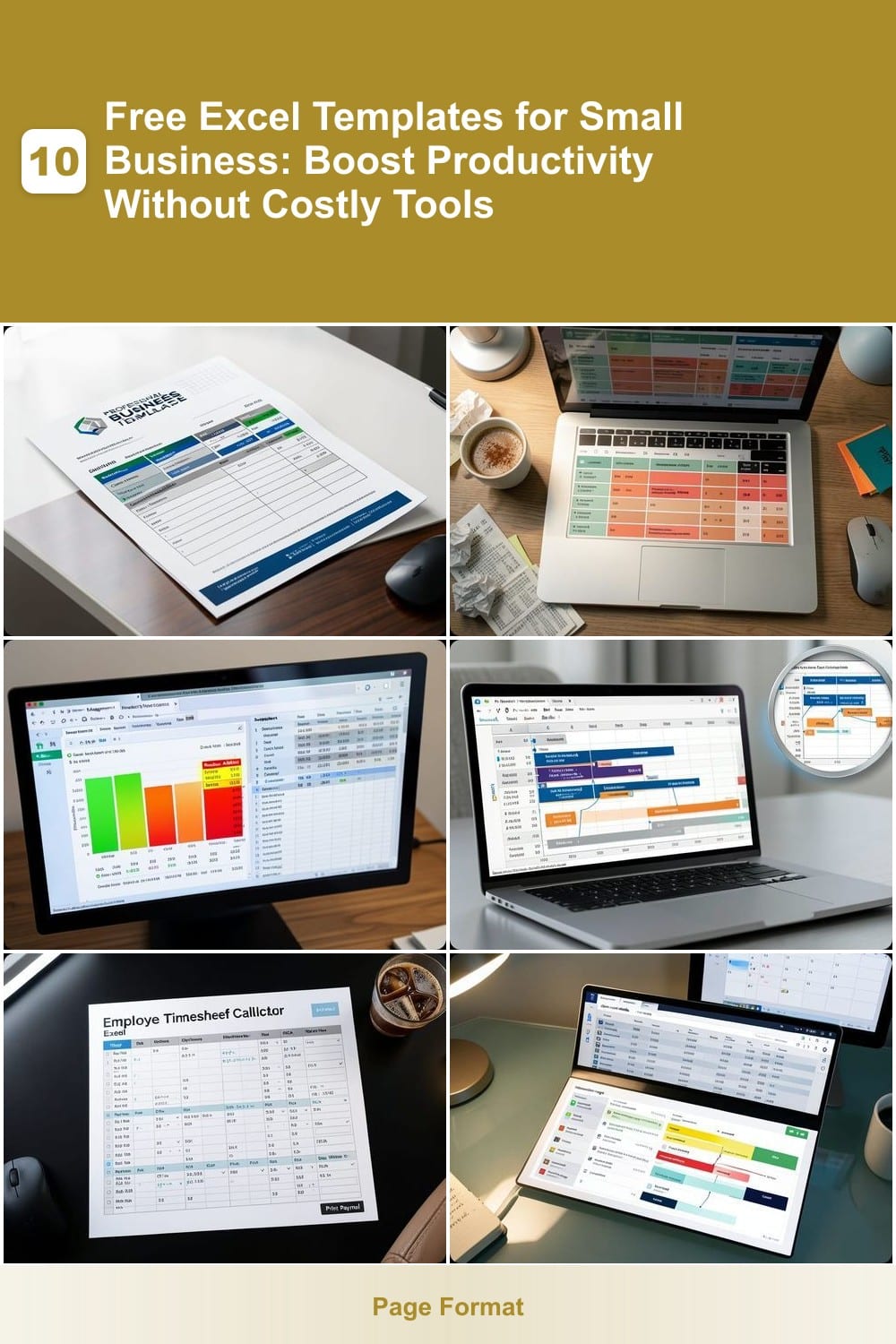
Small businesses can streamline operations without expensive software by using these 10 free Excel templates—designed for invoicing, budgeting, inventory, and project tracking. Save time, reduce errors, and cut costs with tools that integrate seamlessly into Microsoft Excel.
Professional Business Invoice Template
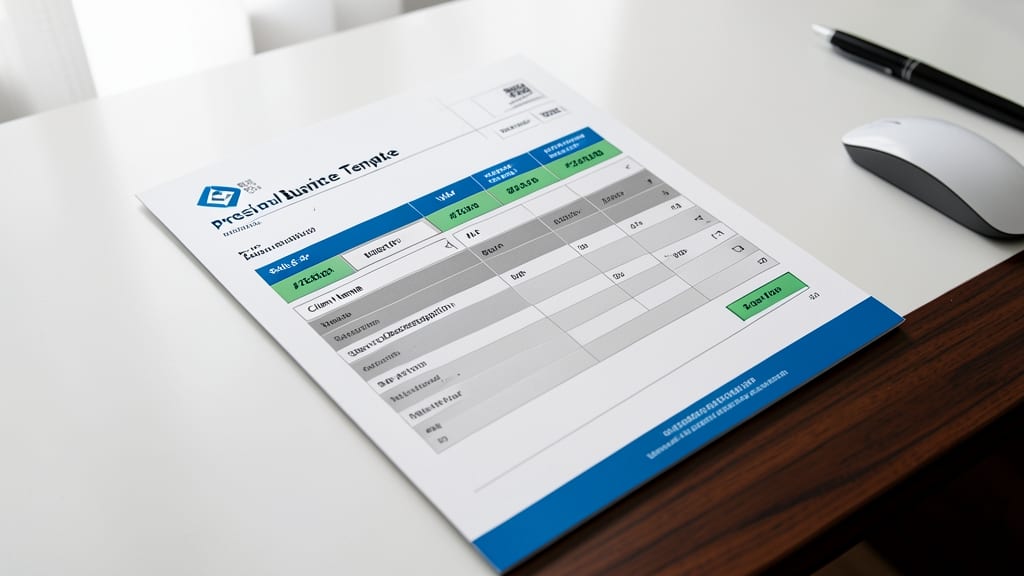
Tired of sending invoices that look like they were thrown together at 2 AM? This Professional Business Invoice Template gives your freelance or service business an instant upgrade—no design skills needed. It includes pre-built tax calculations (sales tax, VAT, or state-specific rates), customizable payment terms, and even a company logo placeholder to keep branding consistent.
The template handles everything from itemized service descriptions to automated subtotals, discounts, and late fees, reducing manual errors. You’ll also find client notes sections for follow-ups and a payment status tracker to avoid chasing overdue payments. Best of all, it’s fully editable—swap colors, fonts, and fields to match your brand in minutes.
Perfect for freelancers, consultants, and small agencies who want to look professional without hiring a designer. Download it once, and you’ll send invoices that impress clients—and get paid faster. 💻
Small Business Budget Planner
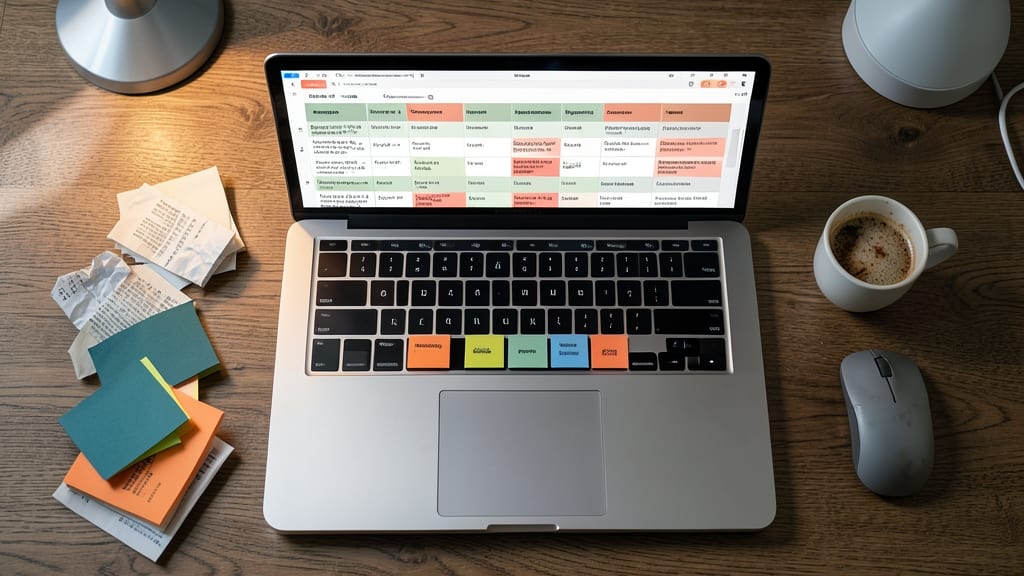
Drowning in receipts and unsure where your money’s going each month? This Small Business Budget Planner turns financial chaos into clarity with real-time expense tracking and color-coded categories (like utilities, marketing, and payroll) that make overspending obvious at a glance.
The template doesn’t just track—it forecasts. Input your monthly income, and it generates 3-month projections to spot trends before they become crises. At year-end, the automated summary tab compiles all transactions into tax-ready reports, complete with deductible flags and cash-flow graphs to simplify accounting. Best of all, it’s fully customizable—add your own categories, adjust thresholds, or even link to your bank feed for faster updates.
Ideal for solopreneurs, freelancers, and startup founders who need to balance books without hiring an accountant. Download it once, and you’ll never wing your budget again. 💡
Inventory Management Tracker
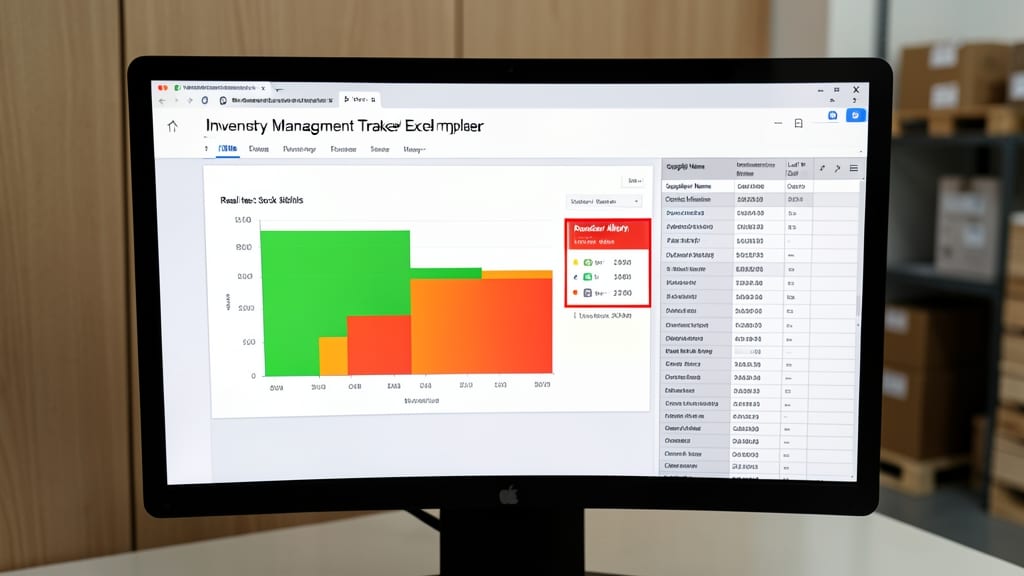
Running low on stock means lost sales—and overstocking ties up cash you could reinvest. This Inventory Management Tracker solves both problems with a single spreadsheet that tracks real-time stock levels, sets automated reorder alerts, and logs supplier details in one place.
Key features include barcode-compatible fields for quick scanning, color-coded stock thresholds (green for safe, yellow for low, red for out), and a supplier contact database to streamline reorders. The built-in cost-per-unit calculator helps you spot slow-moving items, while the sales velocity tracker predicts future demand. Best of all, it’s 100% customizable—add your own product categories, pricing tiers, or even integrate with Shopify via manual imports.
This template is a game-changer for small retailers, online sellers, and warehouse managers who need to cut waste without hiring a full-time inventory specialist. Download it once, and you’ll never guess at stock levels again. ⚡
Project Timeline Gantt Chart
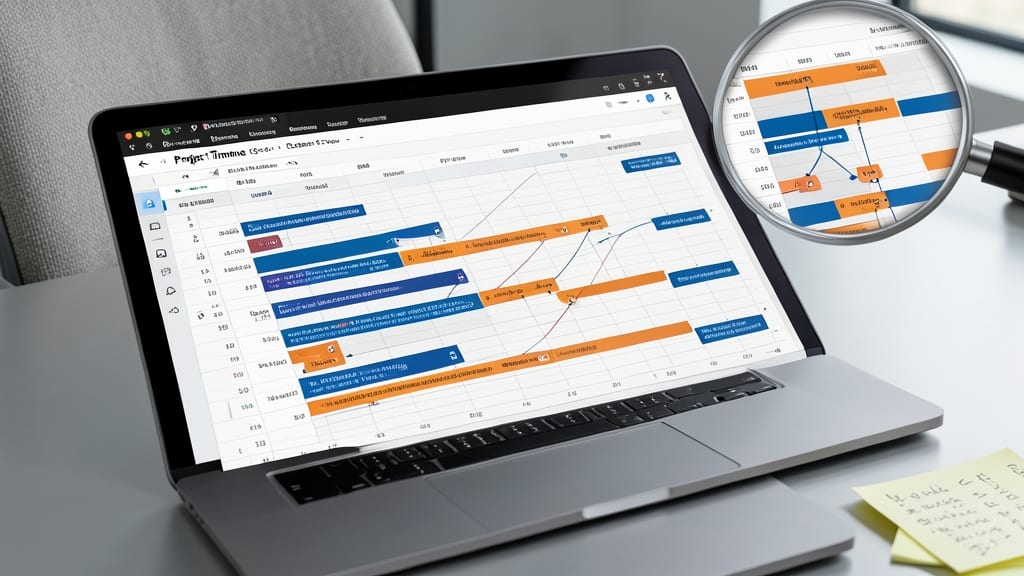
Juggling multiple projects with tight deadlines? A Project Timeline Gantt Chart in Excel transforms chaos into clarity by mapping out milestones, deadlines, and task dependencies in one visual layout. This template lets you drag-and-drop tasks to adjust timelines, color-code phases, and spot bottlenecks before they derail your workflow.
With built-in dependency tracking (e.g., "Design can’t start until client feedback is received") and progress bars, you’ll see at a glance which tasks are on track—or need urgent attention. The pre-formatted timeline scales from short sprints to multi-month projects, and conditional formatting highlights overdue tasks in red. Best of all, it’s fully editable so you can add your own phases, durations, and resources.
Freelancers juggling client projects and consultants managing multiple engagements will love how this template keeps everyone aligned—no more missed deadlines or last-minute scrambles. 💪
Employee Timesheet Calculator
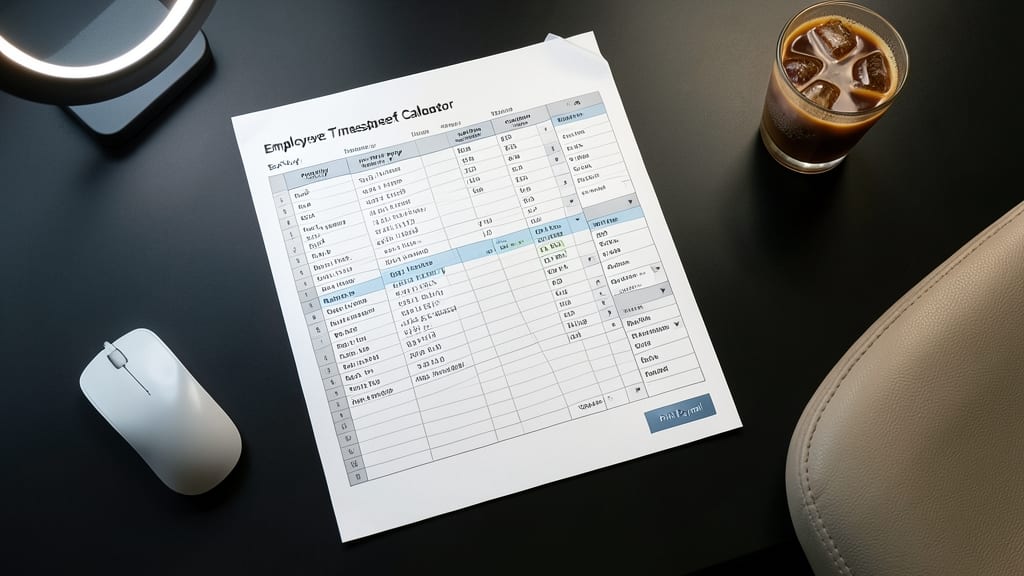
Tired of manually crunching payroll numbers every week? This Employee Timesheet Calculator template handles it all—from tracking hours to calculating overtime pay, deductions, and tax withholdings—so you can focus on growing your business instead of spreadsheets.
The template includes pre-built formulas for gross pay, net pay, and even state-specific tax calculations, reducing errors and saving you hours of manual work. You can easily add or remove employees, adjust pay rates, and generate professional payroll summaries with just a few clicks.
Perfect for small businesses with hourly or wage employees, this template turns a tedious task into a 5-minute process. Whether you're managing a team of 5 or just starting out, it’s the ultimate timesheet solution. ✨
Customer Relationship Manager (CRM)
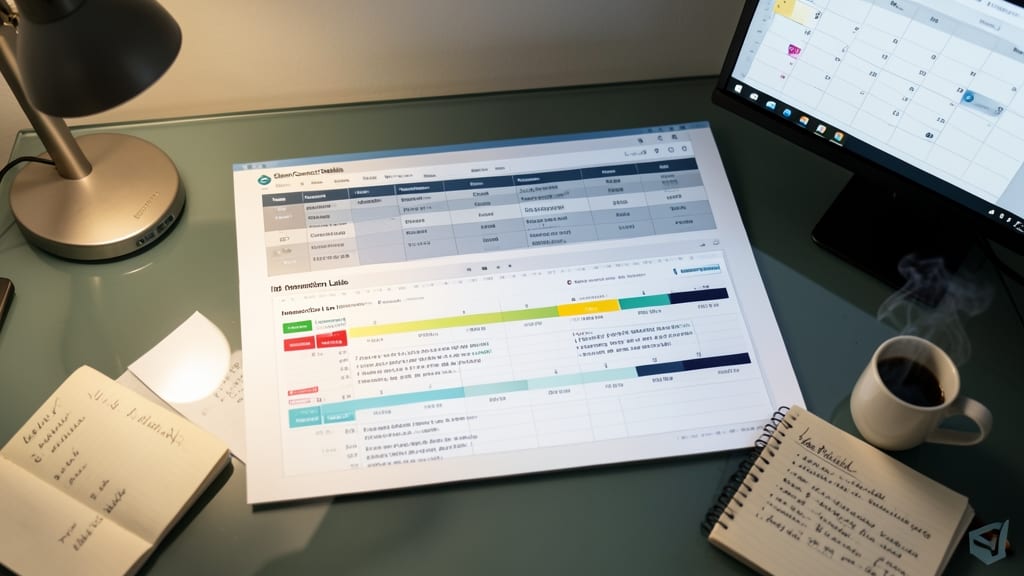
Tired of losing track of client follow-ups or scrambling to remember sales pipeline stages? This Excel CRM template turns your spreadsheet into a powerhouse for managing relationships—without the cost of dedicated software.
With dedicated tabs for client contact details, interaction logs, and sales pipeline stages, you can track every conversation, assign follow-up dates, and visualize deals in progress. The built-in color-coded status flags (e.g., "Contacted," "Prospect," "Closed") make it easy to spot opportunities at a glance. Plus, customizable reminders ensure no lead slips through the cracks.
Perfect for freelancers, consultants, and small business owners who need a lightweight, no-frills CRM—this template replaces clunky apps with a familiar, customizable tool you already use daily. 💡
Expense Report Tracker
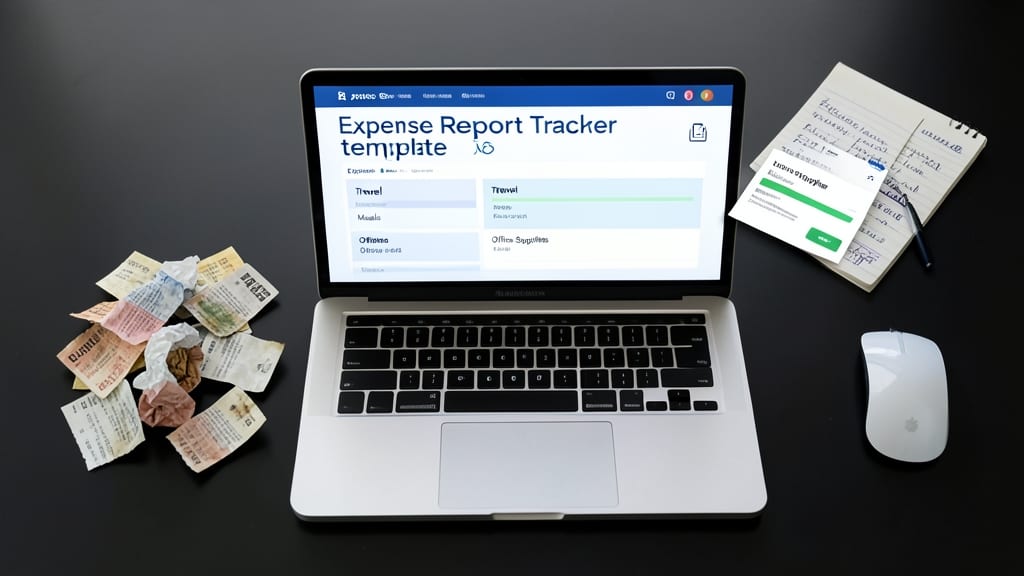
Say goodbye to receipt piles and accounting headaches with this Expense Report Tracker—your secret weapon for streamlining tax season. This template automatically categorizes every expense (travel, meals, office supplies) and lets you upload receipts directly via hyperlinks, so nothing gets lost in the shuffle.
With tax-deductible flags and built-in formulas, you’ll spend less time crunching numbers and more time focusing on growth. The color-coded dashboard gives you a clear view of spending trends, while the monthly summary makes quarterly reports a breeze. No more digging through shoeboxes—just drag, drop, and deduct.
Perfect for freelancers, consultants, and small business owners who want to save hours on bookkeeping without hiring an accountant. ⚡
Break-Even Analysis Calculator
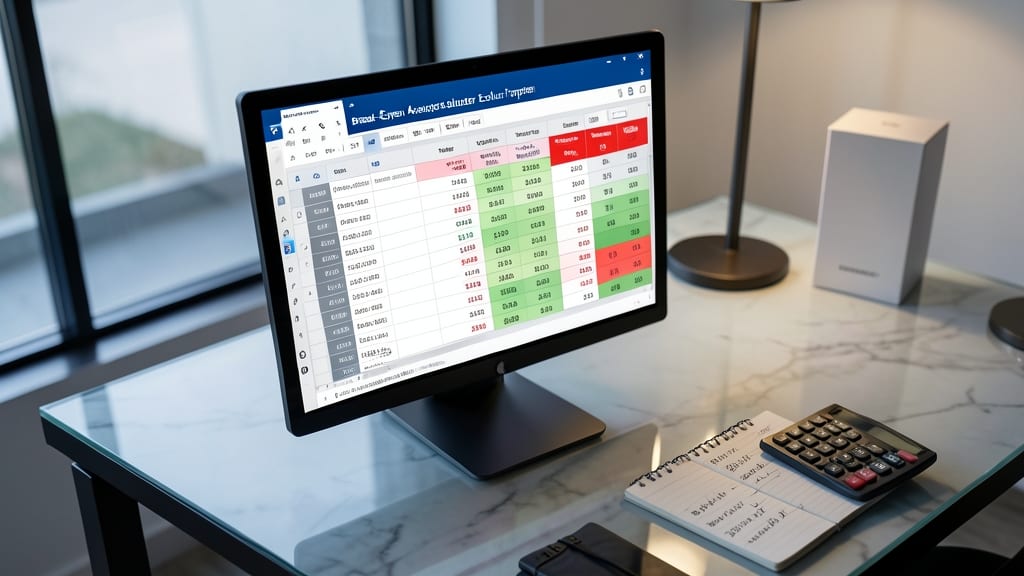
If you’re launching a product but unsure whether your pricing will actually cover costs, this Break-Even Analysis Calculator is your financial lifeline. It crunches fixed costs (like rent or software subscriptions), variable costs (per-unit production), and revenue projections into a clear break-even point—showing exactly how many units you need to sell (or how much revenue to hit) to turn a profit.
The template includes pre-built formulas for one-time and recurring costs, plus a dynamic chart that visualizes your profit margin at different sales volumes. Simply input your numbers, and it instantly tells you whether to adjust pricing, cut costs, or ramp up marketing. No accounting degree required—just plug-and-play financial clarity.
Perfect for startups, e-commerce sellers, or service providers testing new offerings. Whether you’re pricing a handmade product or a subscription service, this tool helps you avoid costly missteps before you even launch. ✨
Meeting Agenda and Minutes Template
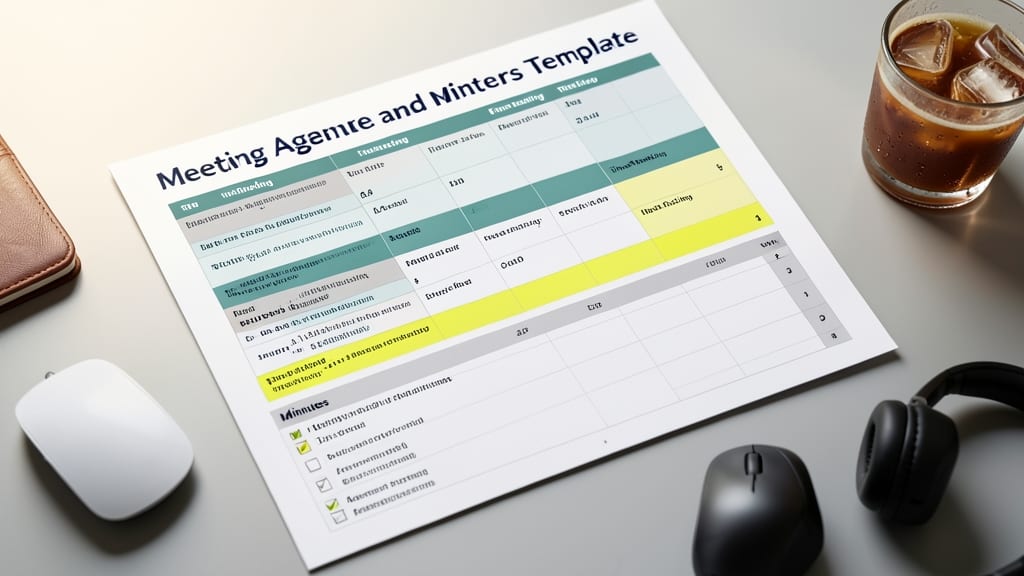
Remote meetings can turn chaotic without structure—but this Meeting Agenda and Minutes Template keeps everyone aligned with built-in time tracking and accountability features. Unlike generic notes, it includes predefined time slots for each agenda item, ensuring discussions stay focused, and a dedicated action items section with assigned owners and deadlines.
The template also includes a follow-up email generator, so you can automatically send recaps with next steps—no manual typing required. With color-coded priority flags and a decision-tracking log, it’s perfect for teams juggling multiple projects. Compatible with Excel 365 and 2019, it even includes a meeting effectiveness score to help teams improve over time.
This is the go-to tool for remote-first teams, project managers, and solopreneurs who want meetings that actually move the needle forward. ⚡
Social Media Content Calendar
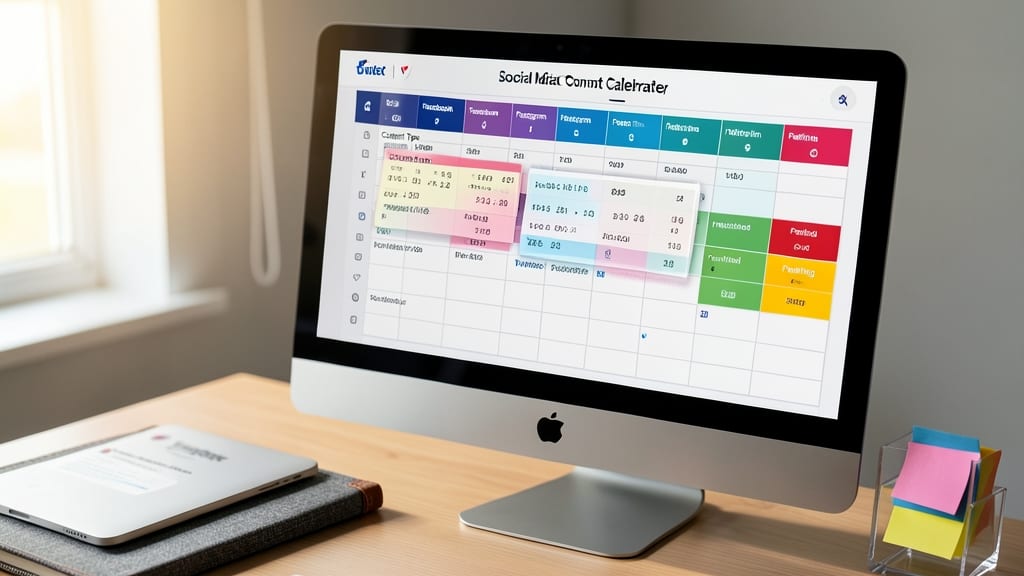
If you’re drowning in last-minute social media posts and missed deadlines, this Social Media Content Calendar template is your lifeline. Designed for marketers managing multiple platforms, it eliminates the chaos of juggling Facebook, Instagram, LinkedIn, and Twitter—all in one organized spreadsheet.
With color-coded deadlines, platform-specific columns, and content type trackers (e.g., blog snippets, promotions, user-generated content), you’ll never scramble to remember what to post when. The drag-and-drop scheduling feature lets you adjust timelines effortlessly, while built-in status flags (scheduled, published, drafted) keep your workflow crystal clear.
Perfect for solopreneurs, agencies, or small teams, this template turns chaos into consistency—so you can focus on creating great content instead of chasing deadlines. 🌟